
[🚀 ZeroShell Manager v1.0]
A user-friendly GUI for managing web shells, built with Tkinter. Available in both light and dark modes, with a focus on simplicity and efficiency. Tested thoroughly to minimize bugs.
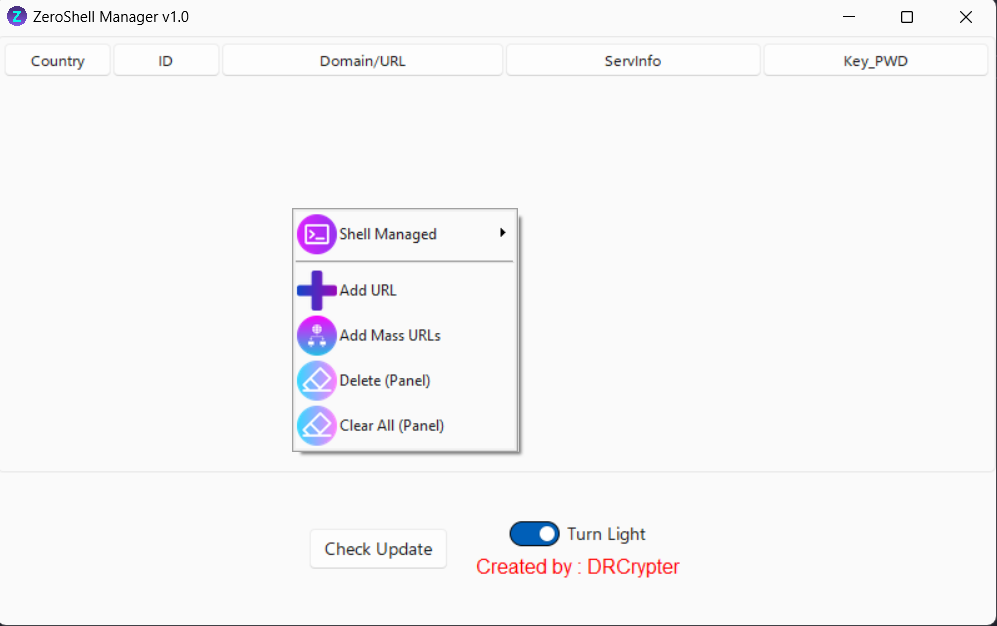
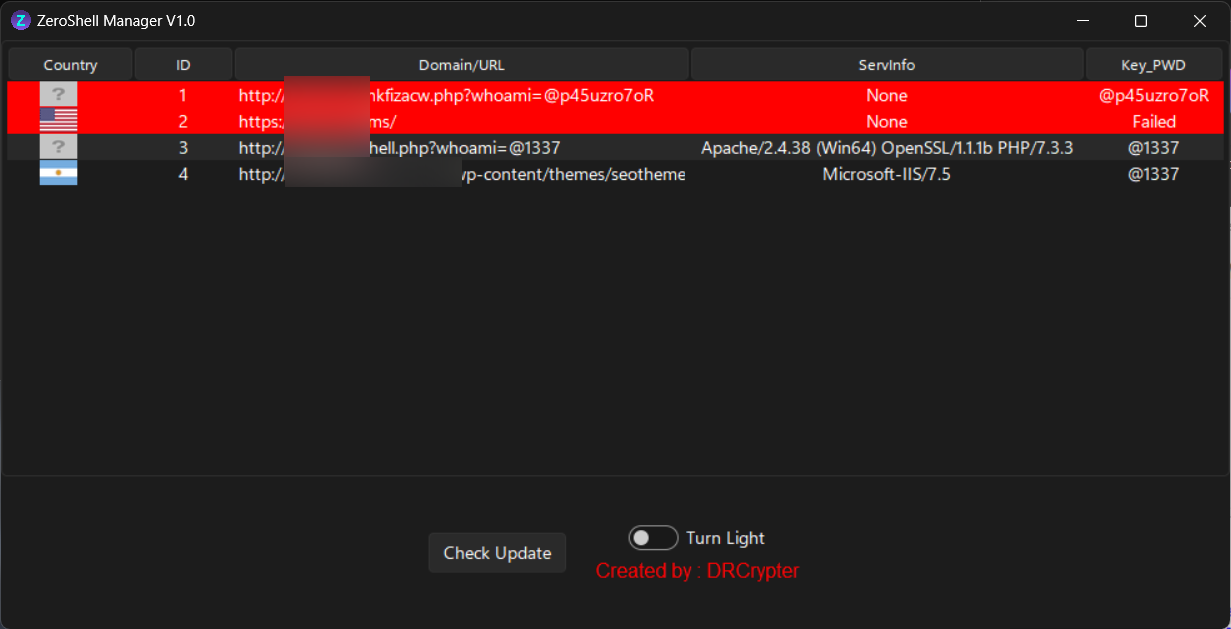
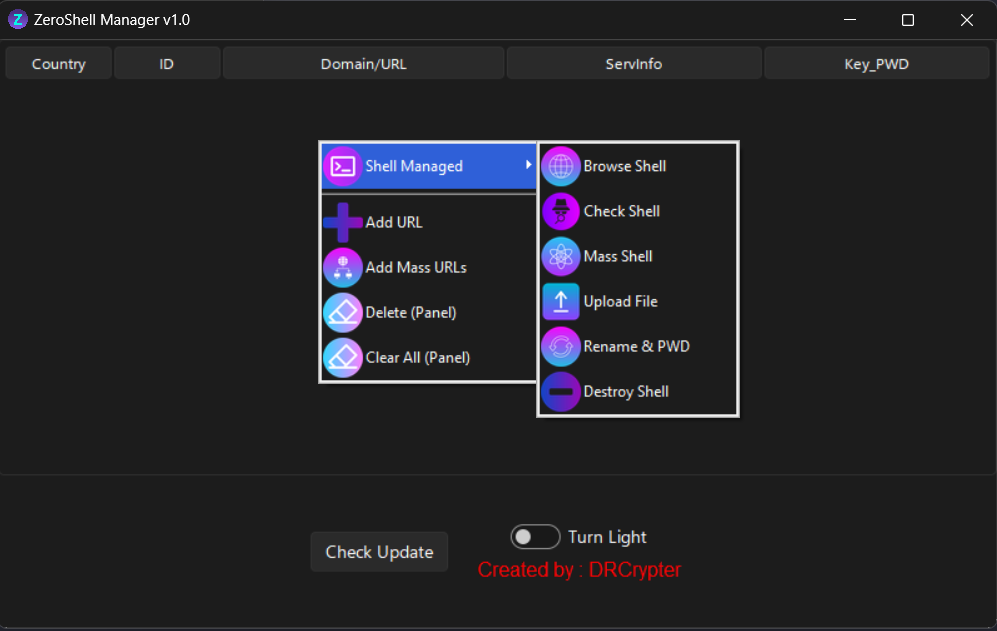
A user-friendly GUI for managing web shells, built with Tkinter. Available in both light and dark modes, with a focus on simplicity and efficiency. Tested thoroughly to minimize bugs.
🌐 Screenshots:
Full Screen:
Small Screen:
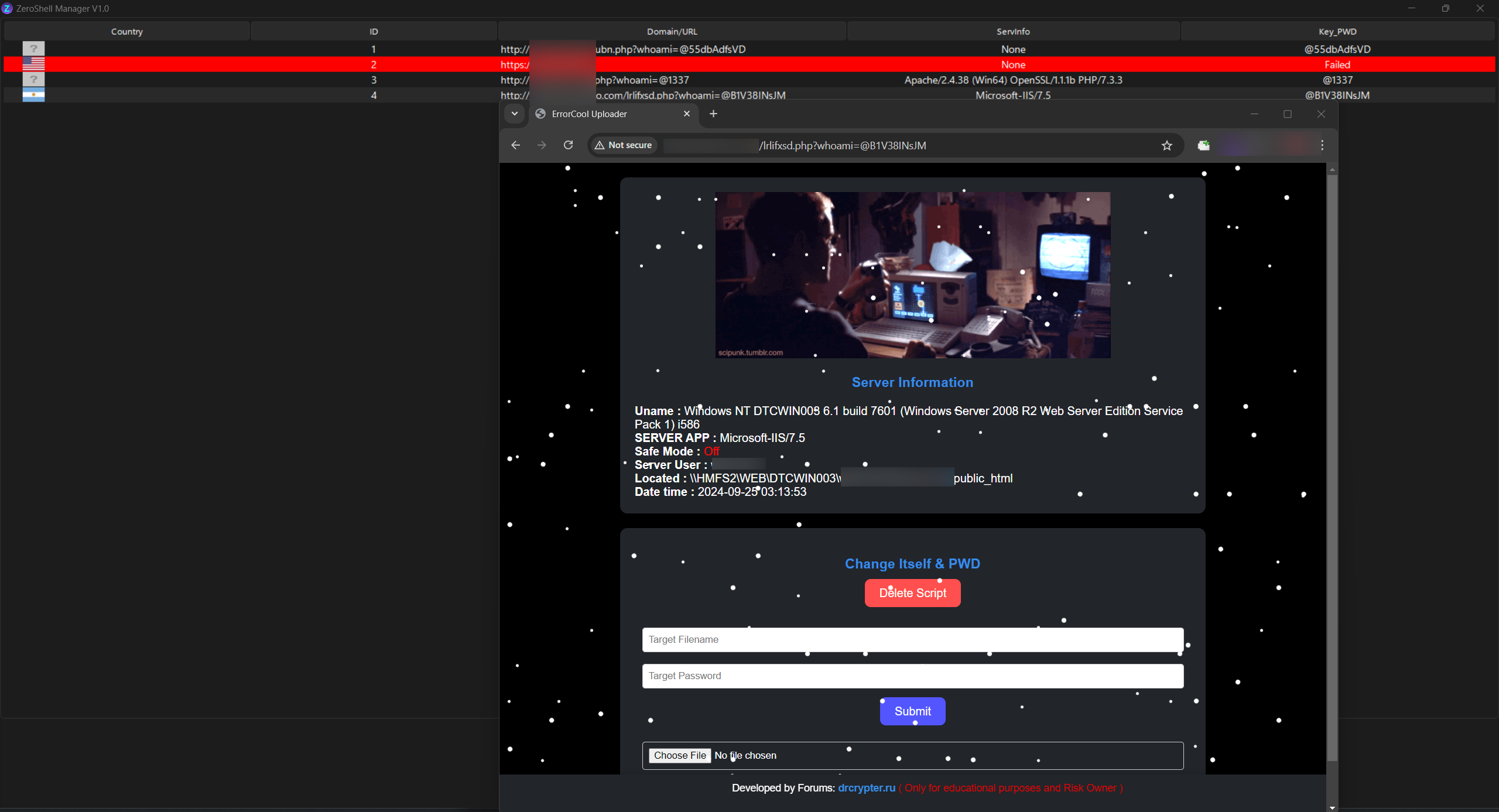
Change Name Shell & PWD:
Dark Mode:
Light Mode:
🌟 Features:
ZeroShell Manager v1.0 comes packed with the following functionalities:- 🔗 Add URL to Panel
Add a single URL for easy access and management. - 📋 Add Mass URLs (Multi-input)
Batch-add multiple URLs at once for quicker management. - ❌ Delete Web Shell from Panel
Remove a selected shell from the panel (shell remains on the server). - 🗑️ Clear All
Clear all URLs from the panel, leaving the shells on the server intact. - 🌐 Browse Shell
Open a shell in your default browser. - 🟢 Check Shell
Verify if a shell is alive or dead in real-time. - 🔄 Mass Shell Check
Simultaneously check the status of multiple shells. - 📤 File Upload
Upload files to the server via a shell. After upload, the file's location will be shown. - 🔒 Rename and Change Password
Rename the shell and change its password automatically. The panel is updated with the new details. - 💥 Destroy
Permanently delete the shell from the server.
🔒 Bu içeriği görmek için giriş yapın


